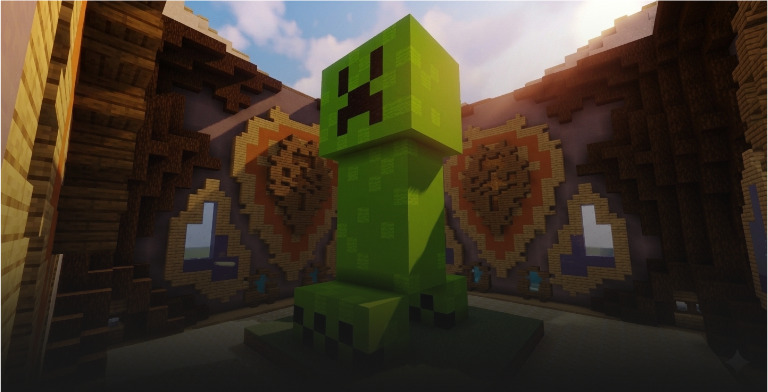
Build Battle
Build, vote, and win creative build duels.
Description
Vote for a build theme, create your masterpiece within the time limit, then rate everyone else's creations.
Game type notes
This is a Minigame: it is designed for standalone arenas, but it can also be used inside party rotations. Minigames usually provide longer, feature-rich rounds.
What you get with BlueArcade 3 + this module
- Party system (lobbies, queues, and shared party flow).
- Store-ready menu integration and vote menus.
- Victory effects and end-game celebrations.
- Scoreboards, timers, and game lifecycle management.
- Player stats tracking and placeholders.
- XP system, leaderboards, and achievements.
- Arena management tools and setup commands.
Features
- Dynamic theme voting with configurable word list.
- Creative mode building phase with configurable time limit.
- Sequential plot visiting with hotbar vote items.
- 6 configurable vote tiers: SUPER POOP, POOP, OK, GOOD, AWESOME, GOD.
- Automatic default vote assignment for absent voters.
- Full vote breakdown and winner announcement.
Arena setup
Common steps
Use these steps to register the arena and attach the module:
/baa create [id] <standalone|party>— Create a new arena in standalone or party mode./baa arena [id] setname [name]— Give the arena a friendly display name./baa arena [id] setlobby— Set the lobby spawn for the arena./baa arena [id] minplayers [amount]— Define the minimum players required to start./baa arena [id] maxplayers [amount]— Define the maximum players allowed./baa game [arena_id] add [minigame]— Attach this minigame module to the arena./baa stick— Get the setup tool to select regions./baa game [arena_id] [minigame] bounds set— Save the game bounds for this arena./baa game [arena_id] [minigame] spawn add/baa game [arena_id] build_battle plot addto configure plot-based spawns./baa game [arena_id] [minigame] time [minutes]— Set the build duration.
Module-specific steps
Build Battle requires one plot per player. Each plot is a cuboid region defined with the setup stick.
/baa game [arena_id] build_battle plot add— Save a plot region using the stick selection (select 2 corners first). Your current location is saved as the plot spawn./baa game [arena_id] build_battle plot set [plot_id]— Redefine an existing plot's region, floor, and spawn using the current stick selection and your location./baa game [arena_id] build_battle plot remove [plot_id]— Remove a plot. Remaining plots are re-indexed automatically./baa game [arena_id] build_battle plot spawn set [plot_id]— Update the spawn point of an existing plot to your current location.
The floor material is detected automatically from the lowest block layer of your selection.
Plot requirements:
- At least 3 blocks high (1 floor layer + 2 blocks of air for building).
- The floor must be 1-2 block layers thick. If more than 2 layers contain blocks, the selection is rejected.
Run /baa game [arena_id] build_battle plot add once per plot. The first plot is index 1, the second is index 2, etc.
Example workflow:
/baa stick— Get the selection tool.- Select corner 1 and corner 2 of the first plot (make sure it is at least 3 blocks high).
/baa game 1 build_battle plot add— Save plot 1. The floor is auto-detected and your current location is set as the plot spawn.- Repeat for each additional plot.
- (Optional)
/baa game 1 build_battle plot spawn set 1— Adjust the spawn of plot 1 if needed.
Vote permissions
Build Battle supports theme voting. Each theme defined in settings.yml gets its own permission node.
Permission format
bluearcade.build_battle.votes.<theme_id>
The <theme_id> is the theme name converted to lowercase with spaces replaced by underscores.
Example
If your settings.yml contains:
themes:
  - "Castle"
  - "Underwater City"
The generated permissions are:
bluearcade.build_battle.votes.castlebluearcade.build_battle.votes.underwater_citybluearcade.build_battle.votes.random
Global wildcard
bluearcade.build_battle.votes.*
Technical details
- Minigame ID:
build_battle - Module Type:
MINIGAME
Links & Support
- Website: https://www.blueva.net
- Documentation: https://docs.blueva.net/books/blue-arcade
- Support: https://discord.com/invite/CRFJ32NdcK